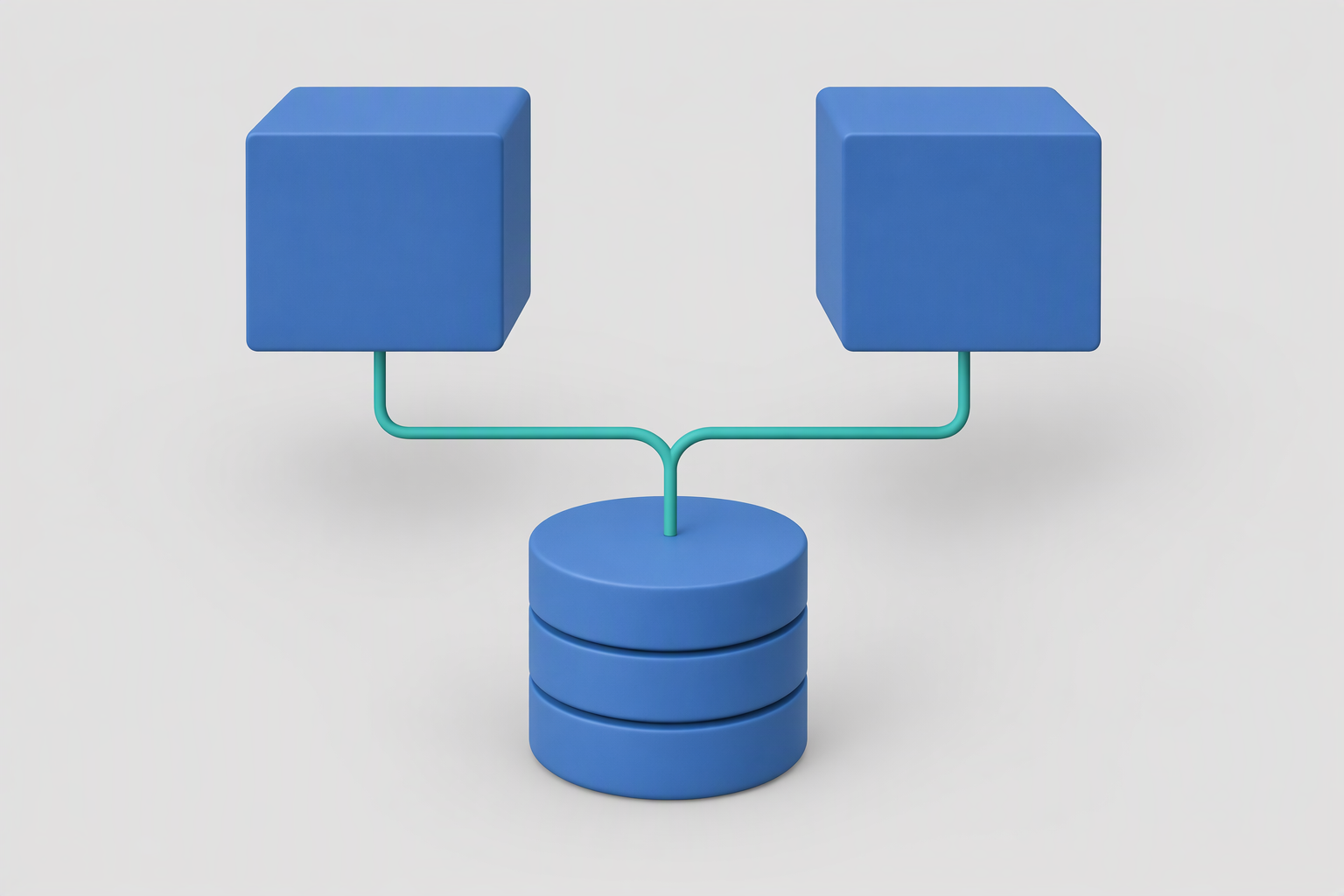
Oracle Real Application Clusters (Oracle RAC) lets multiple Oracle Database instances on separate servers access one shared database. It removes a single database server as a single point of failure, but it does not replace a disaster recovery design. This guide explains the architecture and evaluation decisions for self-managed Oracle Database 19c on Linux; it is not an installation or failover procedure.
One database, multiple instances
A single-instance database has one instance accessing its database files. In Oracle RAC, several instances access the same database. Each instance has its own memory and processes, an instance-specific undo tablespace, and a redo thread. Oracle describes these differences in the 19c RAC architecture overview.
That shared database is the central distinction from a replication pipeline. RAC instances do not maintain independent source and target databases. For the separate task of moving changes between databases, see how Oracle GoldenGate replication works.
The infrastructure RAC needs
- Oracle Clusterware: manages cluster membership and resources such as database instances, listeners, services, and virtual IP addresses. It is a required RAC component.
- Cluster-aware shared storage: makes the database files accessible to the instances. Oracle recommends Automatic Storage Management (Oracle ASM); other storage choices must be supported for the deployment.
- A public network: carries application connections to the database services.
- A private interconnect: carries communication between cluster nodes and instances. Cache Fusion uses this network to synchronize instance buffer caches and transfer blocks between them.
Oracle Grid Infrastructure combines Oracle Clusterware and Oracle ASM. Install Grid Infrastructure before RAC database software. The 19c installation guide for Linux and UNIX is the starting point for an actual deployment; confirm the supported operating system, storage, patch level, and compatibility requirements before proceeding. The architecture above does not establish certification for a particular hardware or software combination.
RAC is database clustering software, not a synonym for engineered hardware. If you are also evaluating the infrastructure that runs Oracle Database, the Exadata architecture and workload overview covers that separate platform decision.
Services connect applications to the workload
Applications should connect through cluster-managed database services. A service identifies a workload and controls the instances that offer it. Oracle recommends using the Single Client Access Name (SCAN) for RAC client connections; the SCAN listener routes a request to an instance offering the requested service. Reserve automatically created default services for their documented purposes rather than assuming they provide all workload-management features. See the sections on dynamic database services and network connectivity.
In a multitenant deployment, a container database (CDB) can use RAC. A pluggable database (PDB) can be available on every CDB instance or on a subset; dynamic services regulate application access to the PDB. Plan service placement for the affected PDB, not merely for the CDB as a whole.
What RAC does not guarantee
Multiple servers reduce exposure to a single server failure. Application recovery still depends on the service and client configuration. Fast Application Notification communicates cluster changes; Application Continuity can replay eligible requests after recoverable errors. Their behavior and prerequisites need to be evaluated with the actual client stack, not inferred from the presence of a second database instance.
A shared database also needs protection beyond the cluster. Even an extended RAC cluster may not meet all disaster recovery requirements. For protection against corruption and regional disasters, Oracle recommends combining RAC with Oracle Data Guard. See the RAC overview’s extended-cluster limitations. Do not treat a local cluster as proof that you can recover from loss of the site.
Evaluate RAC before implementation
- Define the failures you must survive, acceptable recovery time, data-loss tolerance, and maintenance requirements.
- Identify application services, client drivers, connection pools, and PDB placement. Include how the application handles interrupted requests.
- Confirm supported shared storage, network design, Grid Infrastructure compatibility, and the exact Linux distribution and patch levels.
- Review the license agreement. For on-premises Enterprise Edition, RAC is an extra-cost option; it is unavailable in 19c Standard Edition 2. Application Continuity and other features have their own entitlement prerequisites in the 19c licensing tables.
- Have the DBA and application teams design controlled validation in an approved test environment. Assess workload behavior and application recovery, not just whether all instances start. Oracle’s RAC design and management overview recommends beginning with business availability requirements.
The outcome should be a documented service and recovery design with support and licensing decisions resolved. This guide contains no executed database tests and makes no throughput, recovery-time, or zero-downtime guarantee.
For an isolated RAC learning lab, an extra NIC can help you test a separate private network on a compatible host. Check the OS driver and slot before buying, and use Oracle’s supported network configuration for production systems.